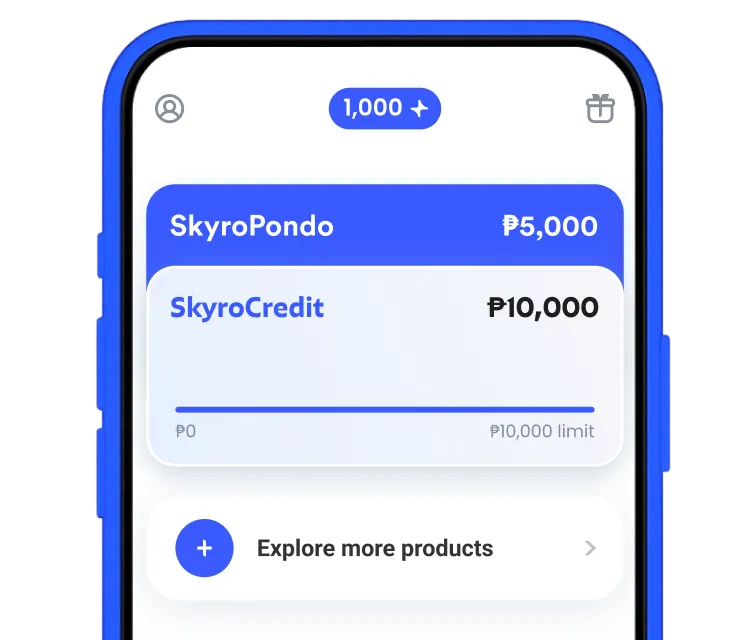
Laging flexible,
laging personal

Because when life changes, so can your loan!

A smiling man in tinted glasses and a blue patterned shirt holds up a blue smartphone on a busy city street, with a blurred jeepney and old buildings behind him.
Only at

Easily adjust your monthly payment and due date
to fit your needs

Need extra budget for something important?

Lower your monthly loan payments to free up cash when you need it most.

Got a new payday or payment schedule?

Change your loan due date to match when funds come in, making it easier to stay on track.

Want to clear one loan faster and start another?

Adjust your due date or payment amount to make handling loans easier.

Save on interest rates

Cut down on remaining payments and save on interest by increasing your monthly payment when it fits your budget.

Want to change the dates? Easy

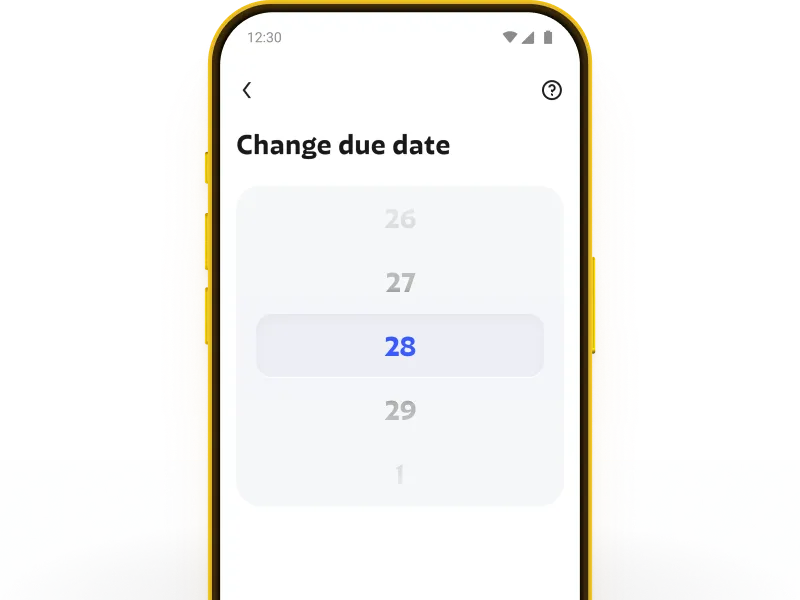
A smartphone screen titled ‘Change due date’ showing a scrolling date picker with 28 selected.

Date-flexible

Match your payment date to your schedule

Change the date, 
not the deal

Same term. Same rate. Just better timing

Convenient

Make changes in the app — no calls or visits needed

Multiple changes

Enjoy up to 3 due date changes during the loan

Need to adjust your monthly payment? Even easier!
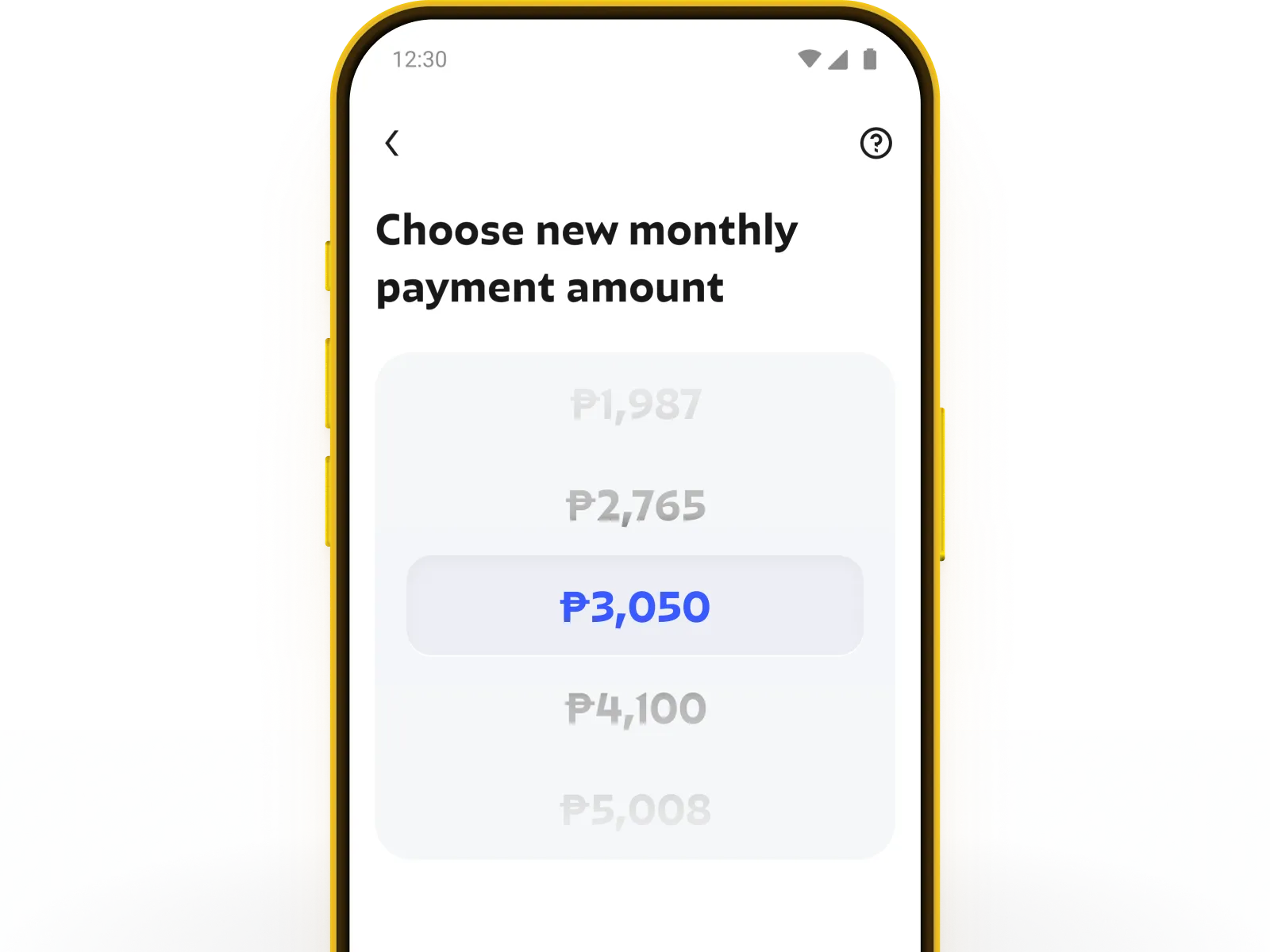
A smartphone screen titled ‘Choose new monthly payment amount’ showing a scrolling picker with PHP 3,050 selected.

Stretch to your needs

Easily increase or decrease your monthly payments to fit your budget

Fast and easy

Change your monthly payment right in the Skyro app — no need for approval

Multiple changes

Update your payment plan up to 3 times during the loan period

Peace of mind

Align payments with your payday or manage unexpected costs with ease

How it works

Two paths, same simple loan

1

Pick your item

2

Choose Skyro at checkout

3

Get approved with one ID

4

Pay and get it delivered

4.7★ on Google Play

One app. Zero drama

Track payments, manage your credit, earn cashback and apply for more products

FAQ

What is Flexi?
Skyro Flexi is a unique feature that gives you full control over your loan by allowing you to change your monthly payment amount or payment due date.
It’s perfect if you want to adjust your payments to match your payday or budget.
How can I activate Flexi?
You can activate Flexi in two ways:
  • When getting a loan
Just ask at the store — you can activate Flexi right away while signing your loan.
  • From the Skyro App
Already have a loan? No problem. Just open the app, go to your loan, and tap “Flexi.”
Agree to the Terms & Conditions and confirm — that’s it! Your Flexi is active and ready to use.
You can use Flexi right away after activating it.
How can I use Flexi?
You’ll find the Flexi capsule-shaped button in the upper right corner of your loan details screen in the Skyro app.
Tap it to adjust your schedule — either your due date or payment amount.
How many times can I change my due date and monthly payment?
You can use Flexi up to 3 times for monthly payment changes and 3 times for due date changes — per loan.
Even if you cancel and turn Flexi back on, the number of times you can use it stays the same.
How much does Flexi cost?
Flexi costs a small percentage of your monthly loan payment, so the amount may be slightly different depending on your loan.
You’ll see the exact fee before you activate it.
We always recommend checking the details first in the app.
  • The fee is automatically added to your monthly payments when Flexi is active
  • If you cancel Flexi, the fee won’t be charged next month – unless you’ve already used it this month
If your payment is already overdue, we won’t charge you for Flexi. Why?
  • Because we understand things might already be difficult, and we don’t want to add to what you owe.
  • And since Flexi doesn’t work when a payment is overdue, there’s no need to charge you for it.
Is Flexi worth it?
Yes! Flexi is perfect when your payment plan no longer fits your situation.
Whether you want to finish your loan faster, need to lower your payment, or move your due date, Flexi gives you the option to adjust.
Here are common reasons people use Flexi:
“12 months is too long. Can I finish in 6?”
→ Yes. With Flexi, you can pay more every month to finish your loan faster and pay less interest.
“I thought I could pay more, but now it's too heavy.”
→ You can use Flexi to make your monthly payment smaller.
“I have 2 Skyro loans with different due dates. Can I make it the same?”
→ You can move the due date of one loan to match the other so you can pay both on the same day.
“My salary comes after my due date. Can I move my due date?”
→ Flexi lets you change your due date to match your salary day.
Flexi has a small fee every month, but it gives you better control and flexibility with your Skyro loan.
What is the Flexi monthly payment change?
This feature lets you increase or decrease your monthly payments, depending on your budget.
Does it affect only the current payment or all future ones?
It changes all future payments. If you make the change within 6 days of your due date, it starts with your next monthly payment.
How does payment change affect the loan term?
  • If you increase your payments: the loan finishes faster.
  • If you decrease your payments: the loan term gets longer.
Does increasing the payment amount save me money?
Yes! The more you pay monthly, the less interest you pay overall. You’ll see the savings in the Skyro app before confirming.
How do I know if I can increase or decrease my payment amount?
You can check directly in the Skyro app.
  • Go to your loan and select "Change my payment"
  • You’ll see the available range for your current stage in the loan
  • Some limits apply — for example, you can’t always go lower depending on how far you are in your term
If the loan term changes, does it affect my insurance?
  • Device Protection, Extended Warranty, Goods Protection, and Electronic Doctor: Insurance term stays the same, even if you change the loan.
  • Loan Protection:
- If you extend the loan: insurance continues as usual.
- If you shorten the loan: insurance ends when you finish paying.
What is the Flexi due date change feature?
It lets you move your monthly payment of your current loan to a different day — for example, from the 5th to the 10th — to match your payday or give you more flexibility.
Does it affect only the current due date or future ones?
It changes all future payments. If you change within 6 days before your due date, the change starts next month.
What options can I choose from?
You can choose any date from the 1st to the 29th, but:
  • There must be at least 15 days between payments
  • There must not be more than 45 days between payments
Example: If you pay on the 5th this month and move it to the 25th, that's okay — there are 20 days between the two payments.
But if you try to move it to the 30th, it might go over the 45-day limit, and the app won’t allow it.
Important:
If you move your due date to a later day in the same month, you might have 2 payments in that month: one on the old date, and another on the new date.
To avoid this, the app will show a “Skip this payment” option.
Make sure to tap it so you won’t have to pay twice in the same month.
How does the due date change affect the loan terms?
Your loan term and interest rate stay the same, but the number of days in your loan might change a bit depending on your new due date.
Here’s how it can affect your payments:
  • Shorter time = less interest
  • Longer time = a bit more interest on your last payment.
This happens because interest depends on how many days your balance stays unpaid. The app will show the updated payment before you confirm the change.
If I have more than one Skyro loan, will Flexi change all of them?
No. Flexi only works for one loan at a time.
If you want to change the payment date or amount for another loan, you need to open that loan in the app and make the changes there.
Example: If you have two loans with different due dates, you can use Flexi to move one of them so both are due on the same day. Just change each one separately.