Help topics
Paying for My Skyro Loans
Product Loan
- What is a Skyro Product Loan?
- How do I apply for a Skyro Product Loan?
- Where can I use my Skyro Product Loan?
- Product Loan payments and fees
- Product Loan application status
- What is Skyro Flexi?
- What is the Skyro Zero Plan?
- Add-ons and Protection
- Got questions about Skyro Product Loan, boss?
- What items can I buy with a Skyro Product Loan?
SkyroCredit
- What is SkyroCredit?
- How to use SkyroCredit
- Refer and Earn
- Cash out
- QR Ph payments with SkyroCredit
- Credit limit
- Payments
- Billing cycles and statements
- Interest rates and fees
- Cashback in SkyroCredit
- Using SkyroPondo for SkyroCredit
- SkyroCredit application status
- Payment issues with SkyroCredit
- Got questions about SkyroCredit, boss?
Account and balance issues
In this article
Checking your SkyroPondo balance
You can quickly view your SkyroPondo balance anytime in the home screen of the Skyro app, so you’ll know exactly how much is available, boss.
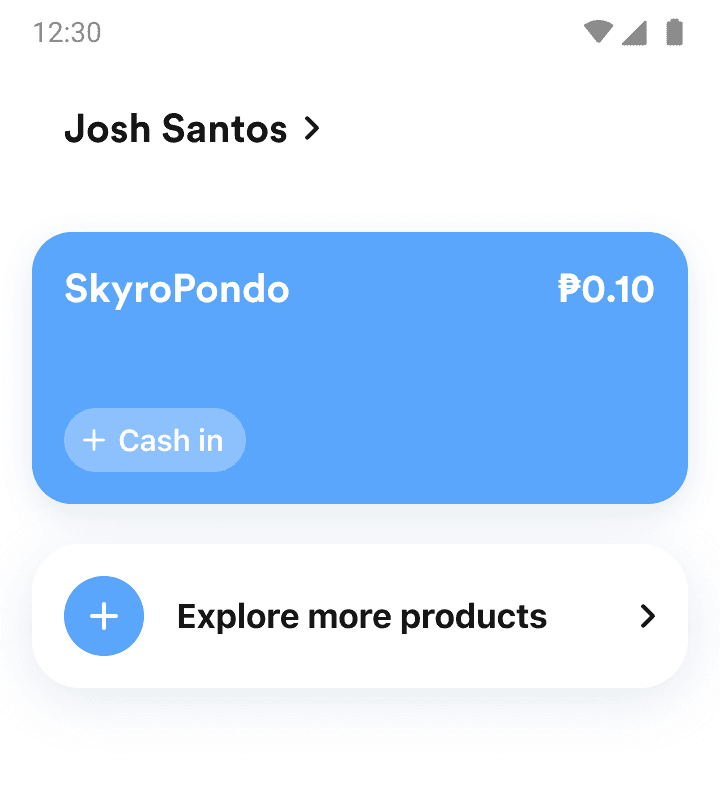
Empty SkyroPondo balance
If your SkyroPondo is empty, boss, it means your balance was used to pay your Skyro loan. 5 days before your due date, SkyroPondo automatically uses your available balance to pay for your Skyro Product Loans, Cash Loans, or SkyroCredit minimum payment. You can cash in anytime to add money to SkyroPondo.
When your balance is not enough
If your SkyroPondo balance is not enough to cover the loan or bill, you’ll need to pay the remaining amount using other Skyro payment methods, like via e-wallet, online banking, etc.
